
South Bay computer and device help
Computer help that comes to you.
Clear, patient help for homes and small businesses. Tell us what is happening. We will explain a practical next step.
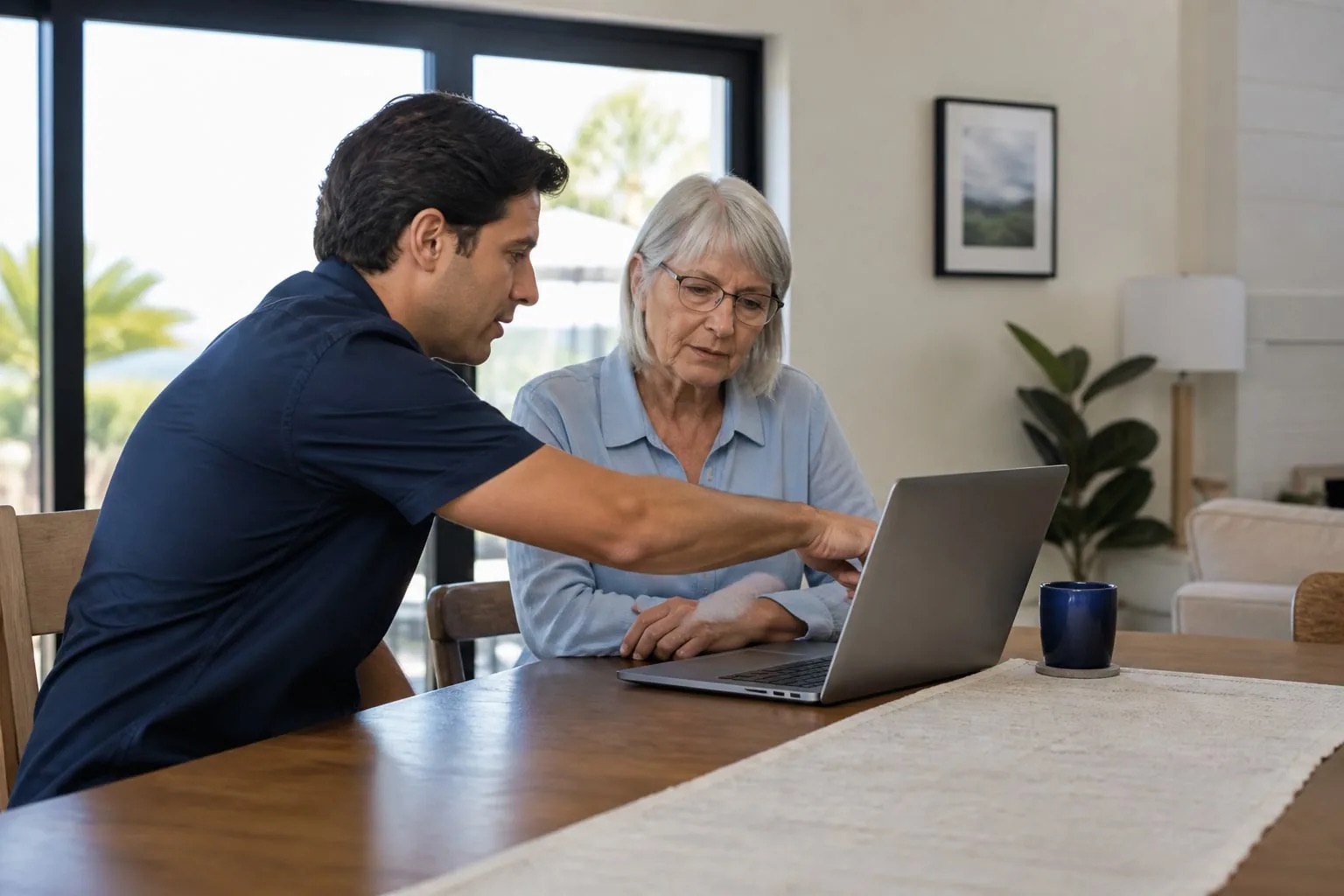
- We come to youNo trip to a walk-in shop
- At your paceAsk us to slow down or repeat a step
- Monday through Saturday6:00 AM to 7:00 PM
What is giving you trouble?
Choose the problem that sounds closest. You do not need to diagnose it first.
Slow or broken computer help
Help when a laptop or desktop is slow, freezing, crashing, showing errors, or will not start.
See detailsWi-Fi and home network help
Help with slow Wi-Fi, dropped connections, weak signal areas, routers, mesh systems, and devices that will not connect.
See detailsPrinter and scanner help
Help setting up, connecting, printing, scanning, and solving common offline or Wi-Fi problems.
See detailsDevice setup and everyday technology help
Setup and step-by-step help for new or existing computers, phones, tablets, smart TVs, streaming devices, and accessories.
See detailsVirus, pop-up, and scam concerns
Security checks and cleanup help for suspicious warnings, redirects, unwanted programs, and accounts affected by a possible scam.
See detailsSmall-business technology help
Practical help with work computers, office Wi-Fi, shared printers, employee accounts, backups, and ongoing technology needs.
See details
What happens when you call
Start with what you see. We can slow down and explain a step again.
Tell us what is wrong
Share the device, what it is doing, and your city.
Find out how we can help
We will explain what we can help with and what happens next.
Choose the next step
Ask about current pricing and availability. We will explain whether a visit or remote help fits the problem, and you decide.
Plain-language help
Helpful steps you can read right now.
Start with a common problem. Each guide explains safe first steps and when it is better to stop and ask for help.
- Safety
A pop-up says to call Microsoft or Apple. What should you do?
Safe first steps when a computer warning tells you to call support, pay money, install an app, or allow remote access.
Read this guide - Printers
Why does my printer say offline?
A plain-language checklist for an offline printer, including power, Wi-Fi, the print queue, and when the problem may be mechanical.
Read this guide - Wi-Fi
Why does Wi-Fi work in one room but not another?
Learn how distance, walls, router placement, interference, and device differences can create weak Wi-Fi areas at home.
Read this guide
Clear help without the rush.
We can slow down, repeat a step, and help make everyday devices easier to see, hear, and use.
Know what to expect before help begins.
Read how visits and remote help begin, what stays under your control, and when an internet company, account provider, recovery lab, or another specialist may need to take over.
Read what to expect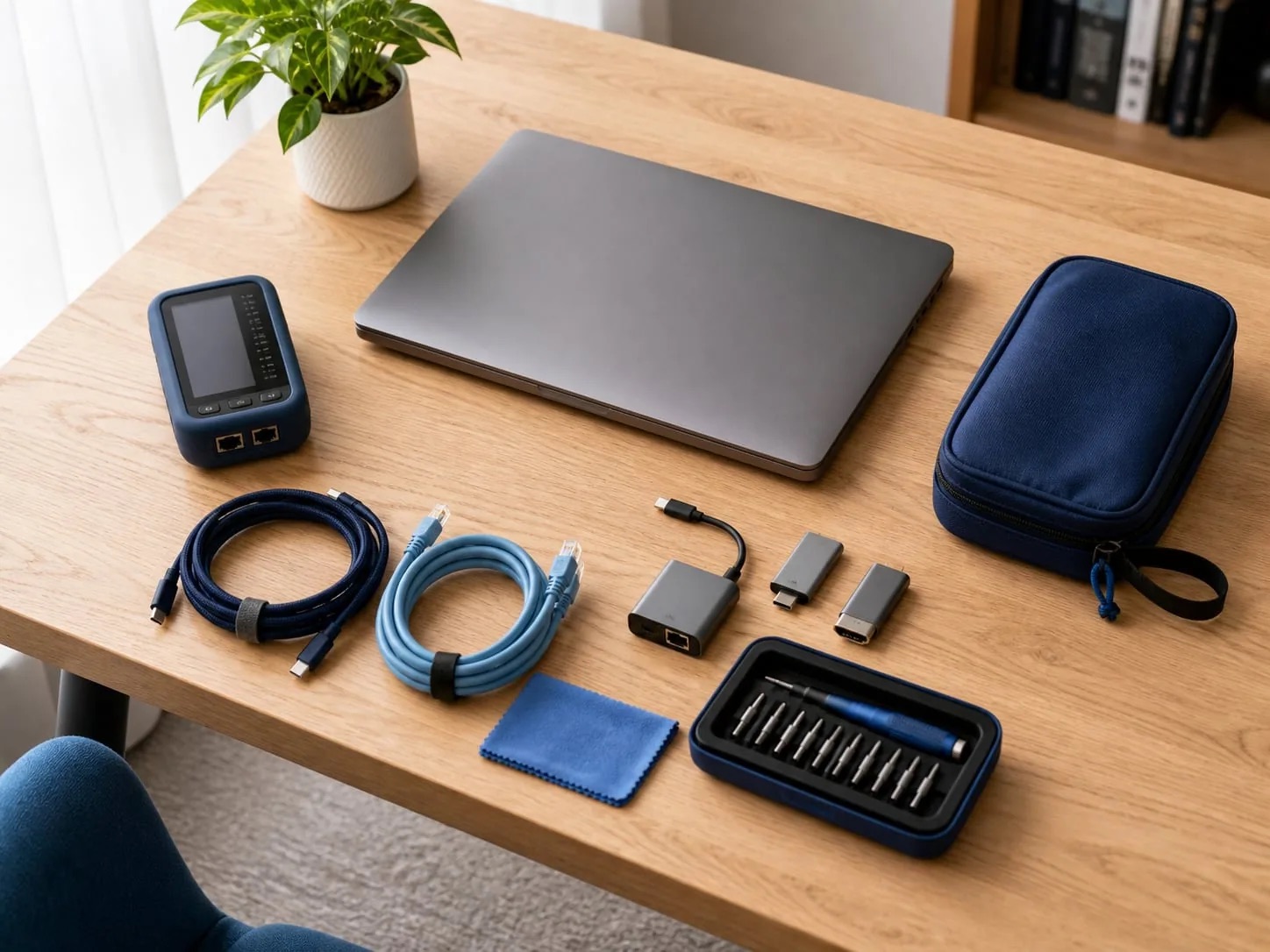
Areas we serve
Local help across five South Bay cities.
Computer and tech help is available at homes and small businesses in these cities.
Common questions, clearly answered.
Answers about visits, services, remote help, hours, and pricing.
Do you come to my home or business?
Yes. We visit homes and small businesses in Redondo Beach, Torrance, Lawndale, Hermosa Beach, and Manhattan Beach. There is no walk-in shop.
What can you help with?
We help with computers, parts and upgrades, Wi-Fi, printers, software, email, devices, pop-ups, scam concerns, files, and backups. We also offer remote help and small-business technology support.
Do I need to know what is wrong?
No. Tell us which device is giving you trouble, what happens when you use it, and when the problem started.
What if my problem is not listed?
Call (323) 213-8872 and tell us what is happening. We will tell you whether it is something we can help with.
Can you help remotely?
Sometimes. For your safety, start remote help only after you call the number on this site. Screen sharing begins only after you approve it. You stay at the device and can stop at any time. Hardware or internet problems may need an in-person visit.
Do you repair phones or tablets?
We help set up, connect, and adjust phones and tablets. Physical repairs, such as a broken screen or charging port, are checked separately and may require a specialist.
What are your business hours?
We are open Monday through Saturday from 6:00 AM to 7:00 PM. We are closed on Sunday.
How much does service cost?
Pricing is not listed online. Call with the device and problem details to ask about current pricing and availability.
For local businesses
Keep everyday tech from slowing down the work.
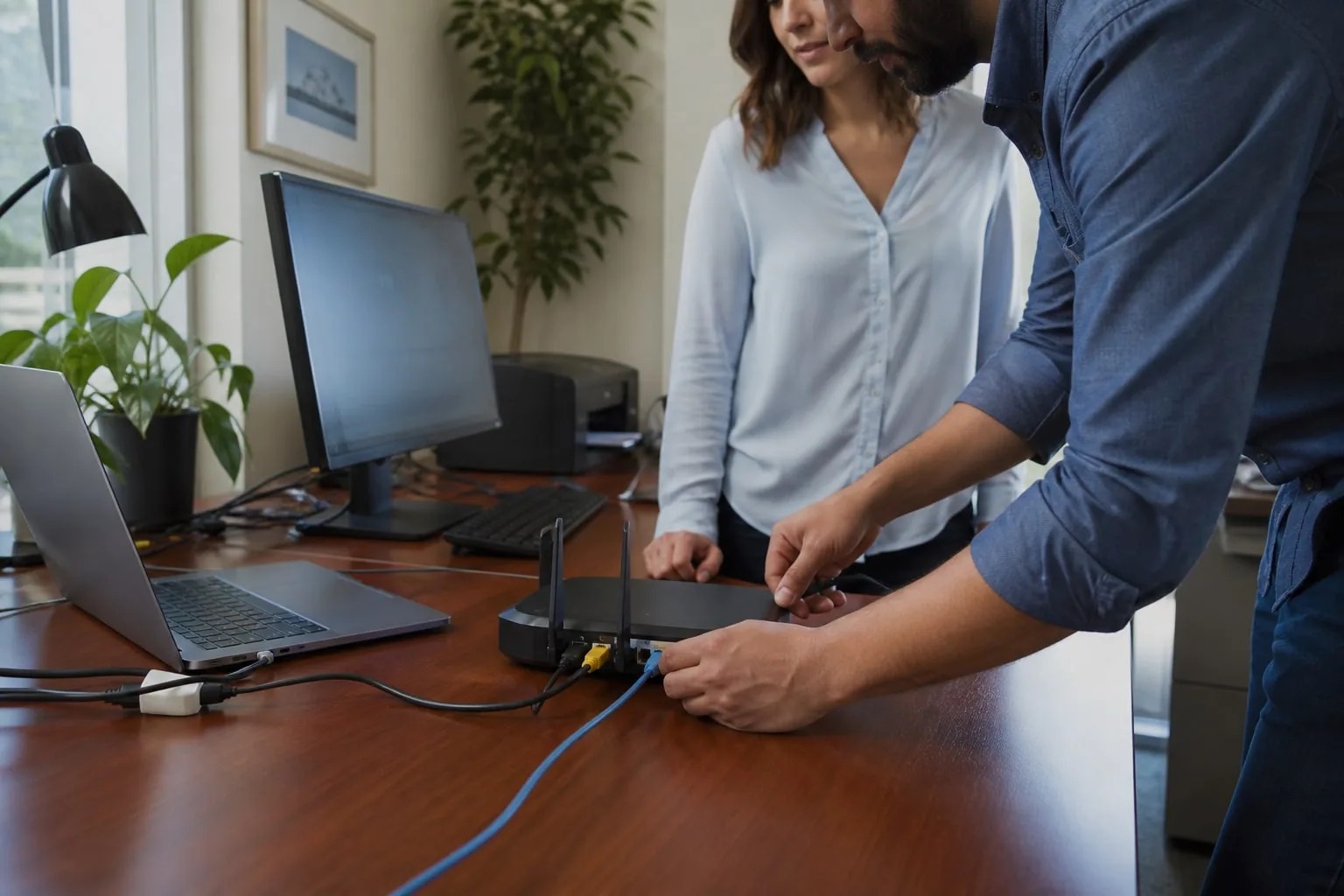
Get practical help with employee computers, office Wi-Fi, shared printers, accounts, backups, and common setup needs.
- One-time setup or ongoing needs
- Support in your workspace
- A clear explanation of what help includes
Need help with a computer or device?
Call with the device, what is happening, and your city. We will tell you what we can help with and explain the next step.